Android App
How to Install Our App on Android TV / Android Devices
1. From the home screen of your device, Go to PlayStore and Find the Downloader App
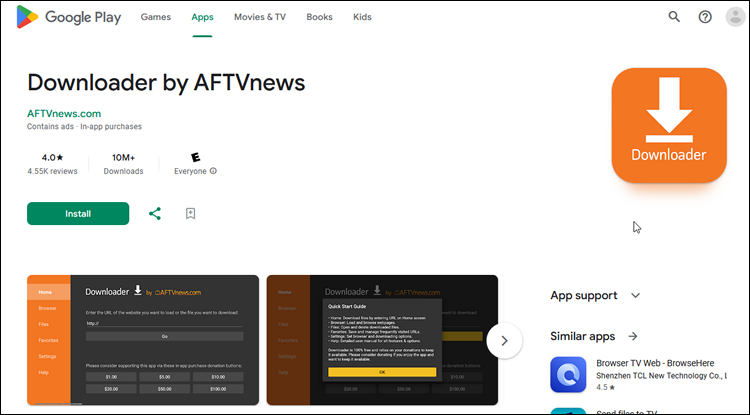
2. Search, Select and Install Downloader App.
3. Launch Downloader.
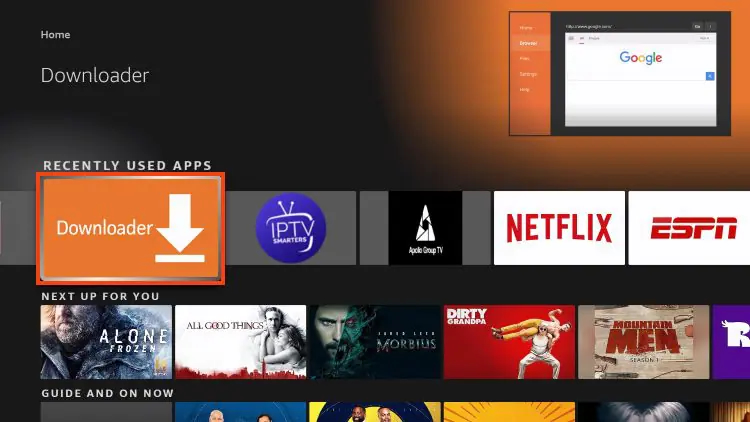
4. Hover over the URL Bar and click the select button on your remote.
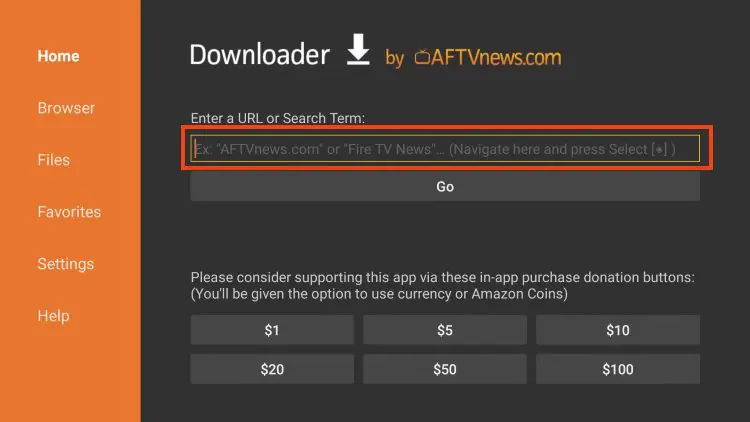
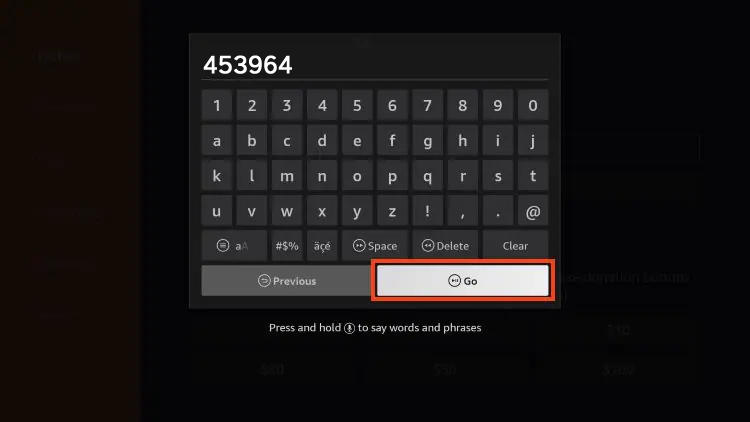
5. Type the Downloader Code 453964 or URL https://tinyurl.com/smartworld4k and click Go.
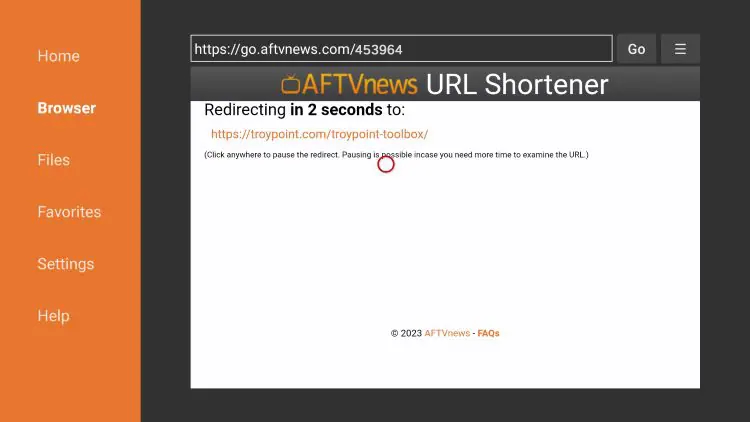
6. You will then encounter a Redirect Page.